Apple Silicon macOS · Private alpha

Design as code.
Native speed.
Built for agents.

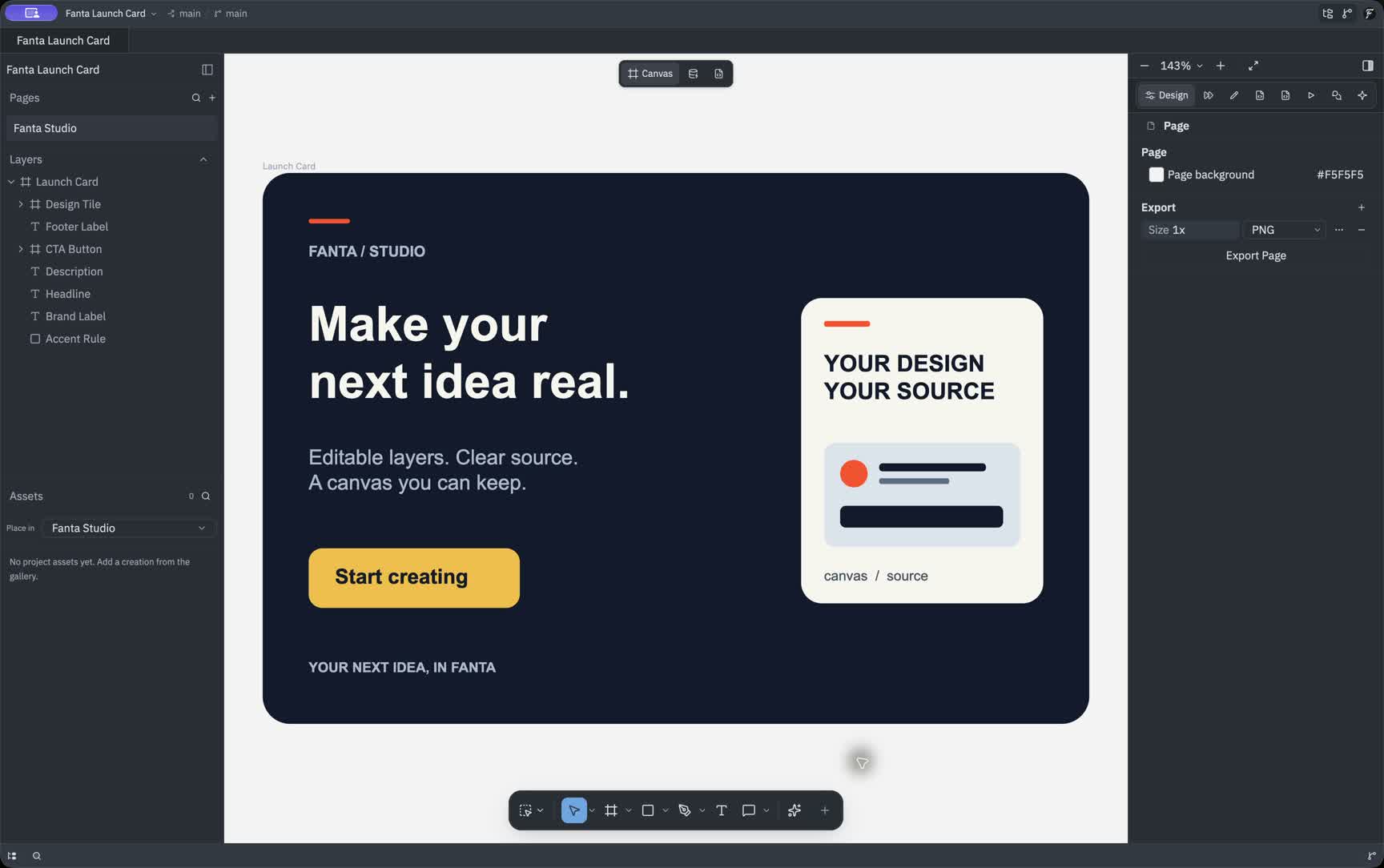
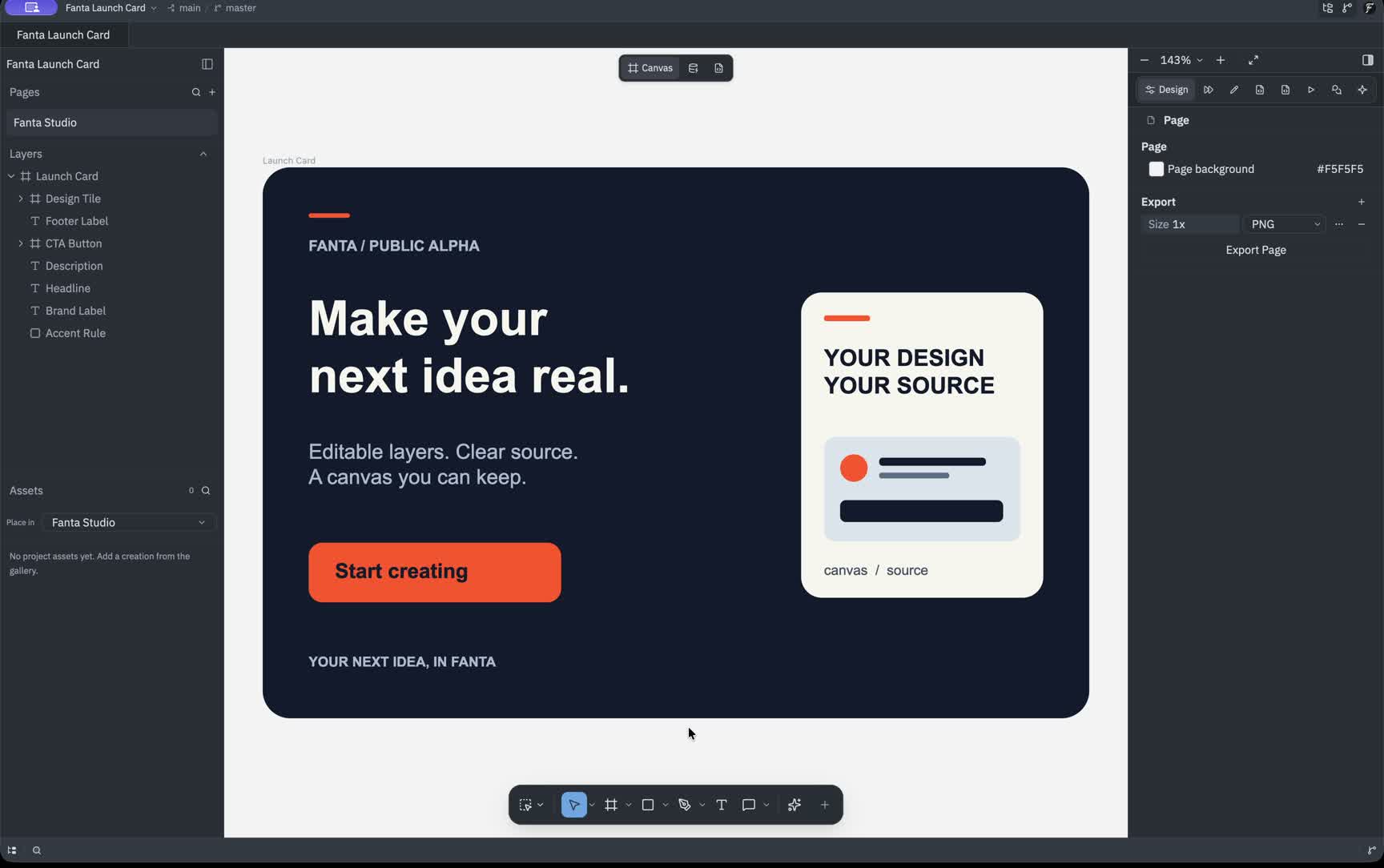
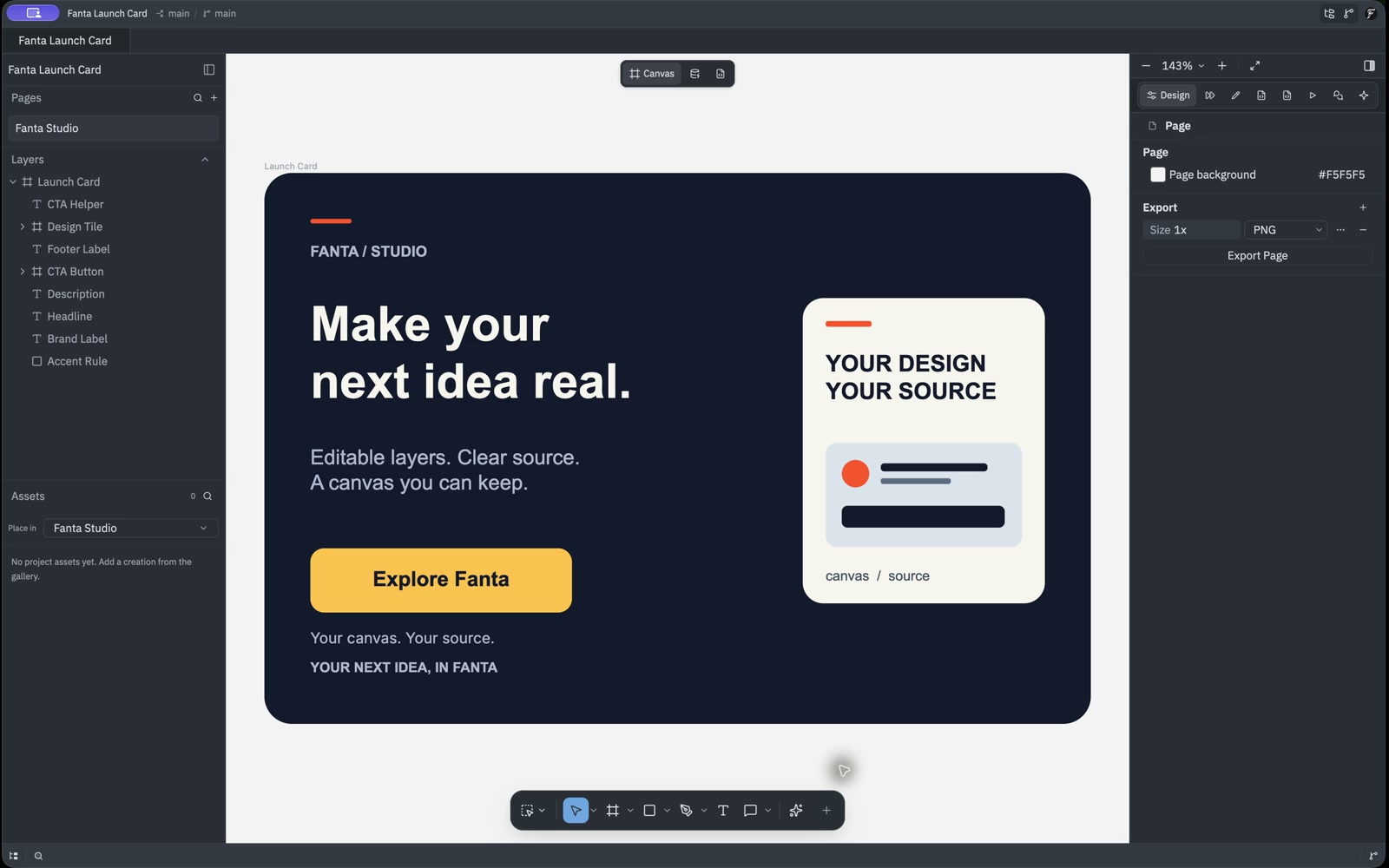
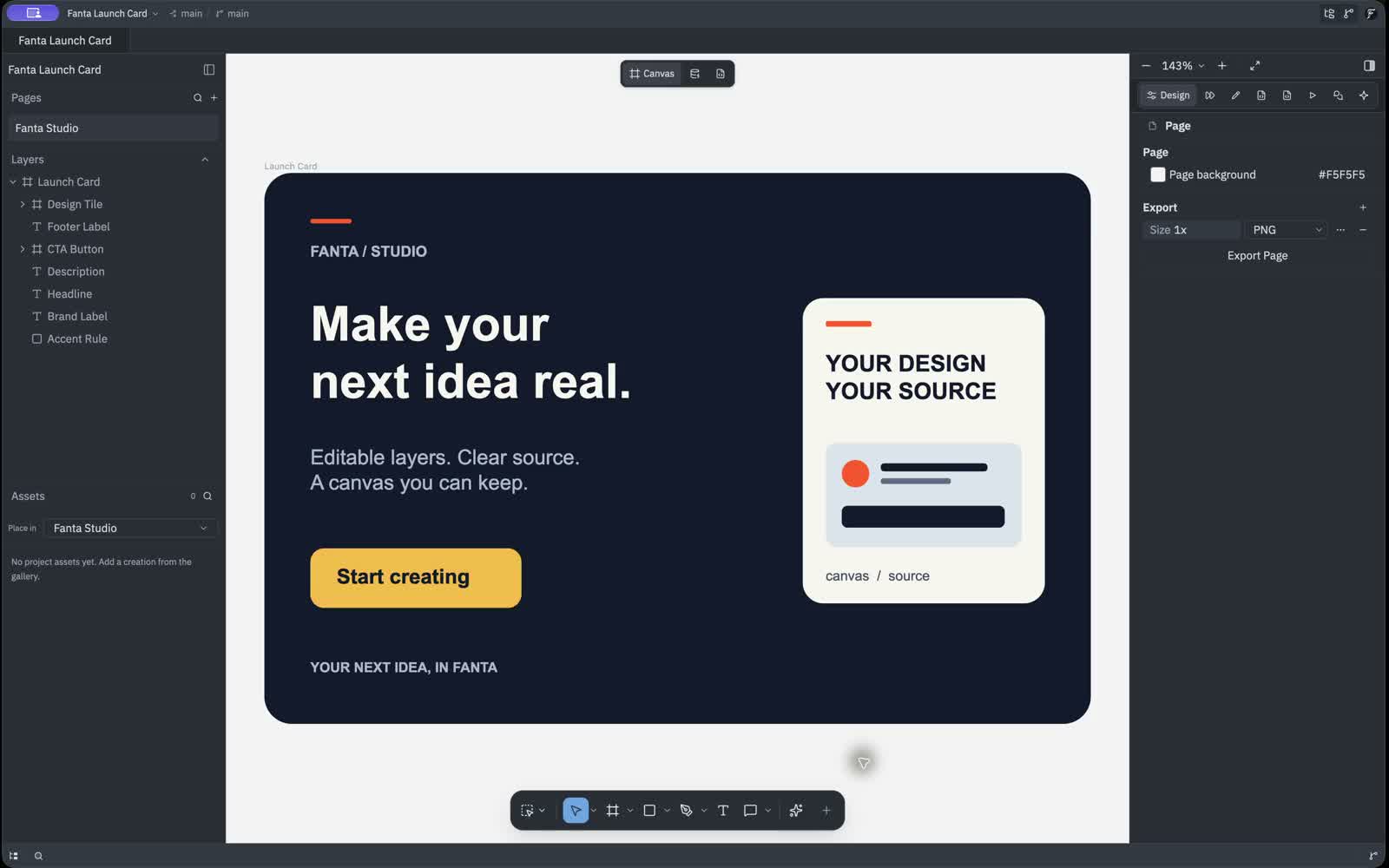
Fanta is a native design editor on a code-editor core. Open Figma .fig files, keep every canvas as git-diffable source, and let AI agents design, edit and verify beside you. Your alpha invite confirms hosted AI access.

New Projectmaindev
moodboard.fnx
storyboard.fnx
fanta-flow.fnx
agent-ideas.fnx
Canvas
Database
Code
100%
Frame
Icon Size Guides
Position
X0
Y0
W536
H660
Layout
Clip content
Auto layout
Vertical
Gap H0
Gap V64
Resize W
Hug contents
Resize H
Fixed
On-device · private

Try the AI toolkit — right here, on your machine.

A live, private editing lane built on a CPU/WASM baseline. Heavy work stays in background workers, with a canvas fallback for older mobile browsers.

Zero uploadsWorker isolatedCPU/WASM baselineSAM decoder62 MB gen engineSVG exportOffscreen canvas
Scroll in to warm up the on-device models…
One design, two ways to edit

Edit the file. Shape the canvas.

FNX is a readable design format with a native visual editor. Use familiar canvas tools or type exact values — every change stays in sync.

Synced live
profile-card.fnx
1 2 3 4 5 6 7 8 9
Quick valuesJSX attribute suggestions
Change a tool, field, or line of code — the other side follows.
Not a prompt box — a design tool

Pencil & Figma-grade editing, native

Layers, components, auto-layout, variables, prototyping, motion and a full inspector — a native macOS design tool, GPU-fast and offline-first. Every panel below is a live recreation of the real app, not a screenshot.

The inspector

Every property, live and editable

Select anything and the panel fills in — X/Y/W/H and rotation, opacity, per-corner radius, 16 blend modes, fills, strokes and effects, plus prototype interactions and variable bindings. The same panel a designer expects from Figma, running natively on macOS.

Align & distributePer-corner radius16 blend modesFills · strokes · effectsExport PNG · SVG · PDF
.fig import.fnx source · 300 ms hot-reloadAuto-layout · components · variantsPrototype · Motion · CommentsAgent design_edit — one undoable transactionOpt-in local MCP
One app, every medium

Design, Prototype, Motion and Comments — plus Canvas, Variables and Code workspaces. One native macOS shell, GPU-accelerated on Metal, in light and dark.

Layers & pages

A real layer tree with auto-layout frames, components and instances — visibility, locks, drag-to-reparent, and Pages · Components · Assets sections.

Variables & modes

Token collections with a Mode selector — Color, Number, String, Boolean and Typography variables that resolve per mode.

Design tokens

Color primitives bound to semantic tokens through variable aliases — surface, primary, accent, text — the design-system layer lives in the file.

Git-native

Pages and components serialize to git-diffable .fnx source with an .ids sidecar — every canvas edit is a reviewable diff you can branch, commit and revert in-editor.

Vector & pen

A real pen with bezier nodes and an Edit-Path node editor, freehand Pencil, plus rectangles, ellipses, stars and text — then export clean SVG.

Everything a design tool should be

The editor you know, re-made native

A real document model — layers, components, auto-layout, variables and version control — persisted as code and shared with agents.

The design surface

A real document, not a layer of paint

Select, draw, group and lay out real nodes. Every edit lands in the document tree and its FNX source.

Frames & groupsAuto-layoutComponentsVariablesVector pathsUndo history
checkout-flow.fnxSaved
Layers
Checkout
Header
Product
Button
You
Design systems

Tokens → variants

Components, properties and modes stay connected to code.

Button / Primary Published
Default
Hover
Pressed
2 modes
Bring your work

Open Figma files

Frames, auto-layout, components, variables and vectors remain editable.

Responsive by default

Auto-layout

Hug, fill and stretch keep spacing predictable as content and frames resize.

Hug → Fill
Flows & reactions

Prototype & present

Connect frames, choose a trigger and preview transitions without exporting.

CheckoutOn tap · Smart animateSuccess
Agent-native

Agents on the canvas

Agents use the same components, constraints and document API you do.

Build a 6-frame onboarding flow from this brief.
Git-native

Every version, visible

Review visual commits, branch safely and restore any document state.

Publish token modes
e7c91a · main
HEAD
Refine checkout flow
4bf120 · ui/checkout
Create button variants
a83d02 · main
When you need pixels

The generation hub

Generate into a layer with model, seed and prompt preserved.

FLUX · 1536pxlayer_04
promptseed 8421
Apple Silicon first

Native, not a browser

Apple Silicon macOS alpha. Windows and Linux planned.

macOS
Apple Silicon alpha
Windows
Planned
Ubuntu
Planned
One editor for every file

Real formats. One canvas.

.fig
.psd
.ai
.svg
.png
.jpg
.mp4
.glb
.pdf
Fanta

Import, compose and export without changing tools.

Your models · your custody

Run the models your way

Hosted credits

Zero setup — Fanta's GPU fleet generates for you.

Your own keys

Configure providers locally and keep full control.

Private cloud

Point Fanta at models inside your own workspace.

A different kind of editor

Not every tool is trying to solve the same problem

Fanta joins the editable design surface, readable source, local files, generation and agents in one document. The matrix below shows the workflow difference—not just a list of checkmarks.

Adobe remains deep for specialist image work, Figma is excellent for cloud collaboration, and ComfyUI is a powerful generation graph. Fanta is for creators who want those worlds to converge in an open, native workspace.

One source of truth

Canvas and FNX move together

Edit visually or edit the JSX-like document. Both views stay live, readable and bidirectional.

Local by default

A real desktop workspace

Projects live on your disk and support offline work. The alpha is for Apple Silicon macOS; Windows and Linux are planned.

Built for change

History you can inspect

Meaningful source diffs, commits, branches and agent changes belong to the same design document.

Capability map

Scroll horizontally on smaller screens

Capability and why it mattersNative convergenceFantaCloud designFigmaSpecialist suiteAdobe CCGeneration graphComfyUI
Design surface
Vector + pixel editingPen, pencil, shapes, masks and raster work without changing tools.One canvasVector-firstAcross appsNo design canvas
Auto-layout + constraintsHug, fill, stretch and responsive rules remain editable.Built inBuilt inVaries by appNot applicable
Design systemsComponents, variants, variables, modes and instance overrides.Native systemNative systemLibrariesNot applicable
Smart selection + masksManual paths plus local segmentation and object-aware editing.Local + manualBasic masksDeep toolkitWorkflow nodes
Flows + present modeConnect frames, author reactions and play a prototype in place.In the editorBuilt inSplit workflowNot applicable
Document + workflow
Visual edit ↔ source editThe rendered design and its code are equally editable—not a handoff view.Bidirectional FNXDev handoffSeparate sourceGraph JSON
Files on disk + offlineProjects remain ordinary local files that you control.Local-firstCloud-firstLocal + cloudLocal
Versioning you can readInspect changes as source diffs and keep a visible timeline.Git-nativeCloud historyDocument historyManual Git
Open Figma filesBring .fig documents across with frames, vectors and systems intact.Direct importSource formatNo direct importNo direct import
AI + automation
Agents inside the documentAgents can select, build and revise the same editable objects you use.First-class surfaceAI + pluginsAI + scriptingAPI workflows
Local smart toolsSegmentation, removal and image operations can run on your machine.WASM / GPUCloud servicesMixed runtimeLocal GPU
Hosted generationGenerate into layers with the prompt, model and run metadata attached.Layer provenanceIntegrated toolsFirefly creditsBring a runtime
Bring your own models + keysChoose hosted credits, provider keys or a private endpoint.Your custodyPlatform modelsPlatform modelsYour runtime
Platform
Desktop buildsA focused app surface for creative work—not another browser tab.Apple Silicon alphaDesktop + webMac + WindowsDesktop / self-host
Products evolve; this compares their primary workflow and publicly available capabilities.Last reviewed July 2026
Model catalog

Choose the model for the move you need.

Generate, edit, animate, voice, vectorize or lift to 3D. Fanta routes each job while the result lands as an editable canvas object—with its prompt, model and generation record attached.

How each model runs
Invite confirms
AI access
On-device
Runs locally
Planned
On the roadmap
Claude
Invite confirms
Agent · reasoning

Anthropic

Claude Opus 4.8

Frontier reasoning behind the design agent — a batch of canvas edits lands as one undoable transaction.

Agent
Claude
Invite confirms
Agent · everyday

Anthropic

Claude Sonnet 5

Fast, capable agent runs for everyday edits, planning and tool use across the document.

Agent
Grok
Invite confirms
Agent · fast

xAI

Grok 4.1 Fast

A high-throughput agent model with separate reasoning and non-reasoning lanes.

Agent
Zhipu
Invite confirms
Agent · efficient

Z.ai

GLM-4.5

An efficient open model for cost-sensitive agent automation and bulk edits.

Agent
Qwen
Invite confirms
Type + composition

Qwen

Qwen-Image 2.0

Prompt-faithful image generation with especially strong type and layout rendering.

Image
Alibaba
Invite confirms
Fast iteration

Tongyi Lab

Z-Image Turbo

A fast draft lane for exploring a direction before spending on a final render.

Image
Flux
Planned
Draft + ideation

Black Forest Labs

FLUX.1 Schnell

Rapid text-to-image for moodboards, thumbnails and broad visual exploration.

Image
Qwen
Invite confirms
Inpaint + outpaint

Qwen

Qwen-Image-Edit 2.0

Instruction-based inpaint, outpaint and restyling without leaving the canvas.

Edit
Qwen
Planned
Reference compose

Qwen

Qwen-Image Compose

ControlNet-conditioned composition that blends multiple references into one frame.

Edit
Alibaba
Invite confirms
Image → video

Alibaba Wan

Wan 2.2 I2V A14B

Animate a still into motion through a dedicated hosted video route.

Video
Alibaba
Planned
Text → video

Alibaba Wan

Wan 2.2 A14B

Text-to-video at HD for fully generated shots from a prompt.

Video
Lightricks
Planned
Fast motion draft

Lightricks

LTX-2.3

Fast, controllable video generation for quick motion drafts.

Video
Alibaba
Planned
Guided video edit

Alibaba PAI

Wan 2.2 VACE-Fun

Guided video edit, restyle and inpaint over existing footage.

VideoEdit
RIFE logo
Planned
Interpolate frames

RIFE

Practical-RIFE 4.26

Frame interpolation for smooth slow-motion and higher frame rates.

Video
Resemble AI logo
Planned
Text → speech

Resemble AI

Chatterbox TTS

Expressive text-to-speech with optional voice cloning.

Audio
Kokoro logo
Planned
Lightweight voice

Kokoro

Kokoro-82M

A tiny, fast open voice for quick narration and UI reads.

Audio
ACE-Step logo
Planned
Music generation

ACE-Step

ACE-Step 1.5

Prompt-driven music generation for scores, loops and beds.

Audio
Nvidia
Planned
Transcribe + caption

NVIDIA

Parakeet TDT

Fast transcription and captions from speech.

Audio
StarVector logo
Planned
Image → SVG

StarVector

StarVector-8B

Convert an image into clean, editable SVG.

Vector
Flux
Planned
Raster → vector

Black Forest Labs

FLUX.2 Klein + VTracer

Render, then trace the result into crisp, editable vector paths.

Vector
Azure
Planned
Image → 3D

Microsoft

TRELLIS.2-4B

Turn a single image into a textured 3D GLB.

3D
Tripo
Planned
Fast 3D draft

Tripo

TripoSR

A fast draft lane for single-image 3D reconstruction.

3D
Meta
Planned
Photo → 3D object

Meta

SAM 3D Objects

Lift objects out of a photo into editable 3D.

3D
Meta
On-device
Select anything

Meta

SAM 2

Point at an object to create a clean, editable mask — running on-device in the browser.

Canvas tools
Meta
Planned
Track + cut out

Meta

SAM 3.1 Track

Track and cut out a subject across frames.

Canvas toolsVideo
Fal
Planned
Upscale

fal

AuraSR v2

GAN upscaling for crisp, larger renders.

Canvas tools
ByteDance
Planned
Restore + enhance

ByteDance

SeedVR2

Restore and upscale photos and video with detail recovery.

Canvas toolsVideo

This catalog previews hosted AI and local tools. Your invite confirms available hosted models and your credit allowance. Models marked planned are on the roadmap.

AI access confirmed with your invite.
Architecture you can feel

One document. Every way of working.

The technical choices only matter when they make the work faster, safer and easier to own. Fanta keeps direct editing, source, history and automation in one loop.

campaign.fnx
Live document
Canvas Direct edit
You
FNX source JSX syntax
01<Frame name="Campaign">
02  <Stack gap={24}>
03    <Card
04      fill="$surface.accent"
05      radius={24}
06      padding={32}
07    />
08  </Stack>
09</Frame>
Canvas updated
Either side edits the same object
mainchange 28 · radius

Direct manipulation stays direct

Selection, transforms, vectors and layout respond on a native GPU surface—not through a browser DOM.

Canvas and source are peers

Change JSX-style FNX or drag on the canvas. Both edit the same semantic document and stay in sync.

Automation remains reviewable

Agent work arrives as a named, undoable transaction—with the resulting source diff visible in Git.

Compute follows the job

Use the unmetered local editor, Fanta-hosted generation or supported own-key agent chat without changing projects.

The same document, three compute paths

Use the smallest route that can do the job.

macOS alpha · Windows & Linux planned
Local editor

Native work stays unmetered

Canvas, vectors, source and history remain available without hosted credits.

Fanta GPU

Hosted image generation

Deployed image jobs settle through one hosted-compute ledger.

Own key

Supported agent providers

Bring Anthropic or z.ai credentials for buffered agent chat.

Files stay on disk Every edit is undoable No browser dependency
Provisional alpha pricing

The editor is yours. Pay for the GPU when you use it.

Local design work does not consume credits. Your invite confirms hosted AI access and your credit allowance. Displayed prices are provisional; final pricing and terms will be confirmed before purchase.

Explore the new workflow

Free

Private alpha

Explore the native editor in the Apple Silicon macOS alpha.

€0
Confirmed with invite

Hosted AI access and credit allowance

  • Native macOS editor for Apple Silicon
  • Open and edit Figma .fig files
  • Projects on disk as diffable FNX
  • Bring your own API keys for agents
  • Direct line to the founder
Join the private alpha

Create and ship every week

Pro

Provisional

A proposed plan for creators using hosted AI alongside the editor.

€24/ month
Confirmed with invite

Hosted AI access and credit allowance

  • Everything in the native editor
  • Image and video workspaces
  • Add generated results to designs
  • Editable SVG output
  • Bring your own provider keys
Request Pro access

A small studio, one workspace

Team

Provisional

A proposed plan for teams that design and review together.

€40/ month
Confirmed with invite

Hosted AI access and credit allowance

  • Native editor for Apple Silicon
  • Projects on disk as diffable FNX
  • Git version history
  • Open and edit Figma .fig files
  • Founder-led onboarding
Talk to us

The editor is included

Design without spending credits

Your files stay yours

Local, readable FNX projects

Bring your own keys

Use providers you already trust

You own the output

No watermark or usage lock-in

Provisional alpha pricing. Final prices, currency, allowances and replenishment terms will be confirmed before purchase. Annual plans are not offered during this alpha.

Private alpha · invites opening in waves

Don't just watch the editor. Help shape it.

Join the creators testing a canvas where source, systems, versions and agents share one document. Your invite will confirm hosted AI access and your credit allowance.

Where should we send your private-alpha invite?

No spam. One email when your invite is ready. Unsubscribe anytime.

No credit card Files stay on your disk Direct founder feedback loop